As iOS 18 rolls out, users are in for a transformative experience. This latest update brings significant changes to the user interface (UI) and Control Center, offering unparalleled customization and efficiency. Discover how iOS 18's new features can elevate your user experience and tailor your device to fit your unique style.
iOS 18's UI Innovations
1. Freedom to Arrange App Icons
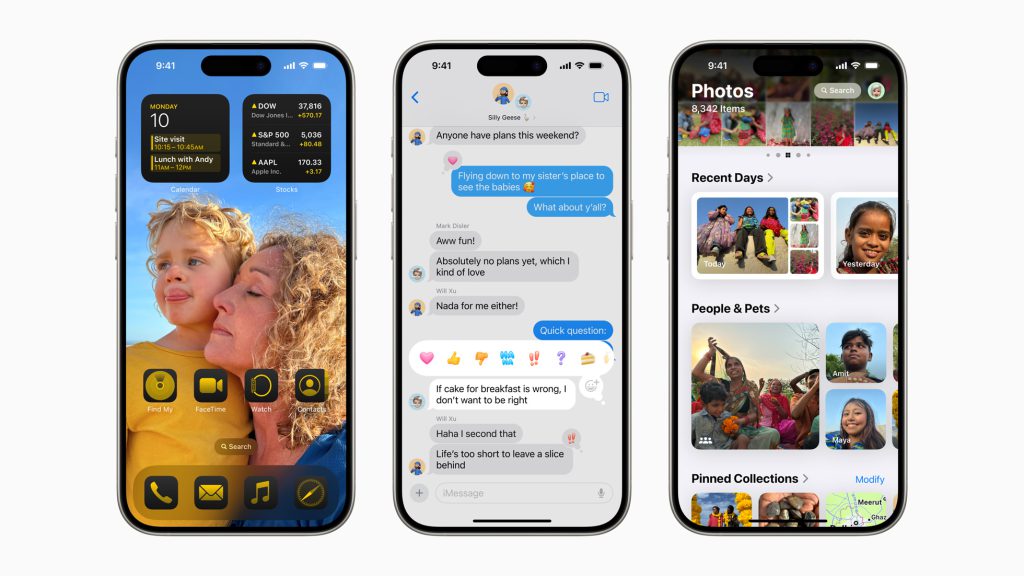
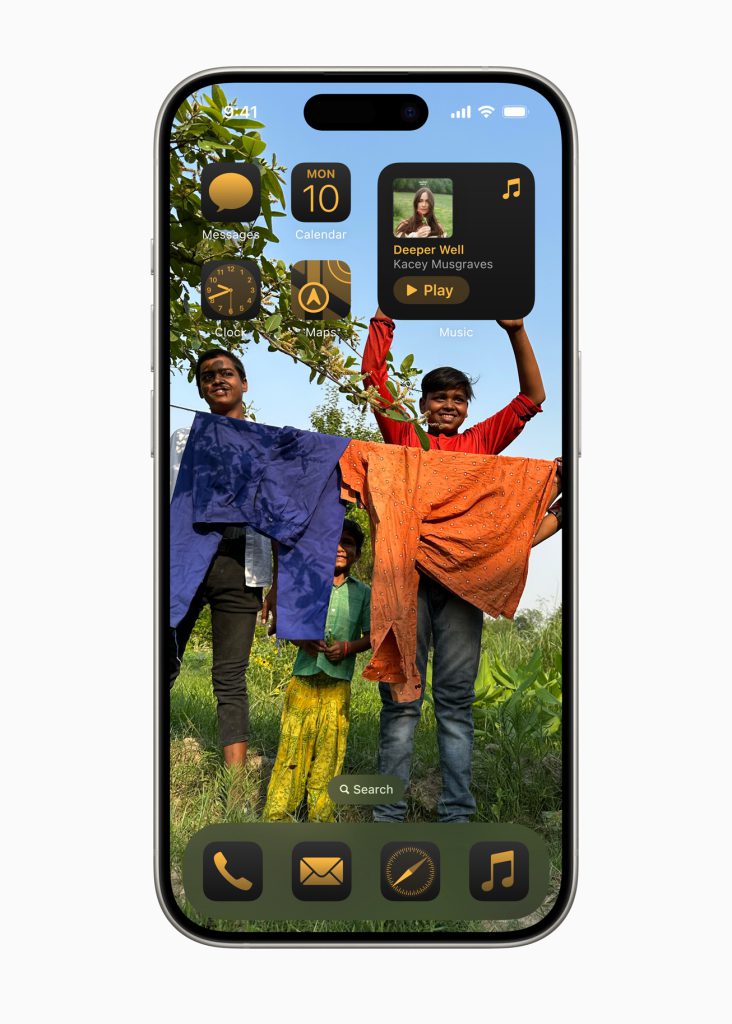
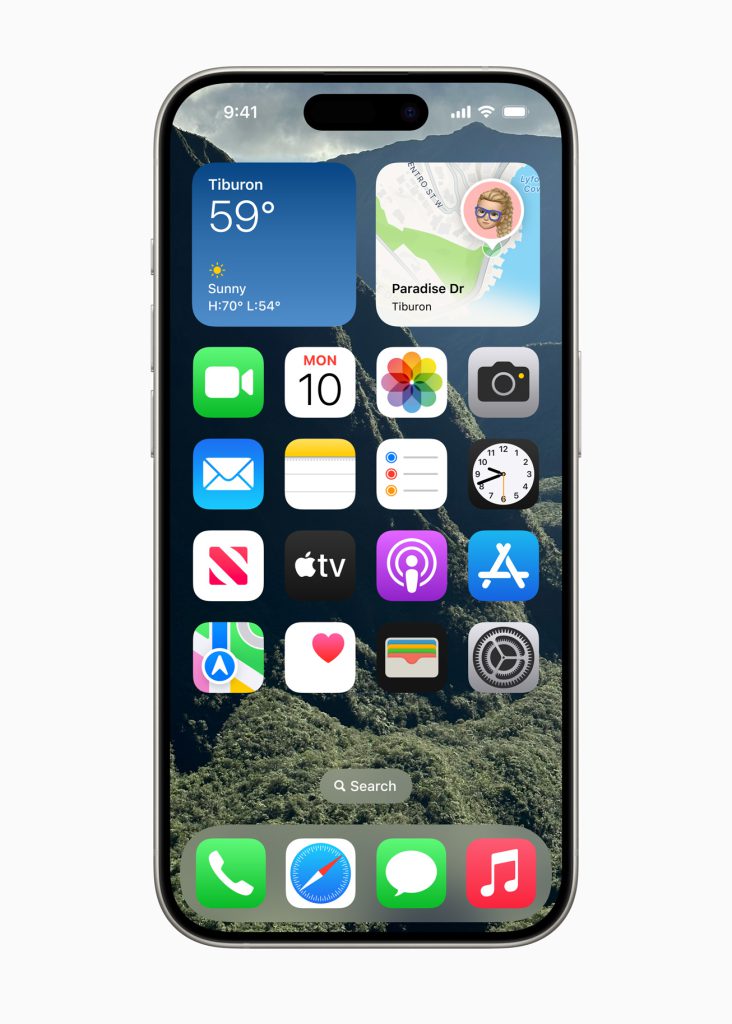
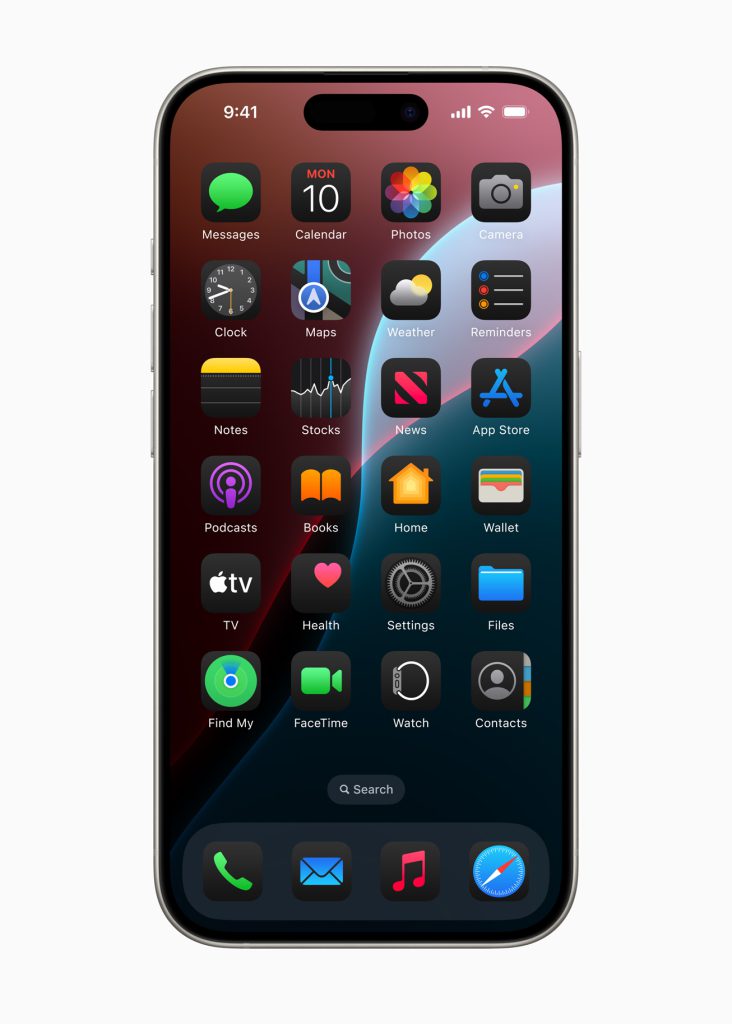
iOS 18 breaks free from the constraints of the traditional grid layout, allowing users to arrange app icons freely on their home screens. This newfound flexibility means you can now design a home screen that reflects your personal style and organizational preferences. Arrange icons by function, color, or any other method that suits your needs, making your device not only more functional but also uniquely yours.
2. Enhanced Customization with App Style
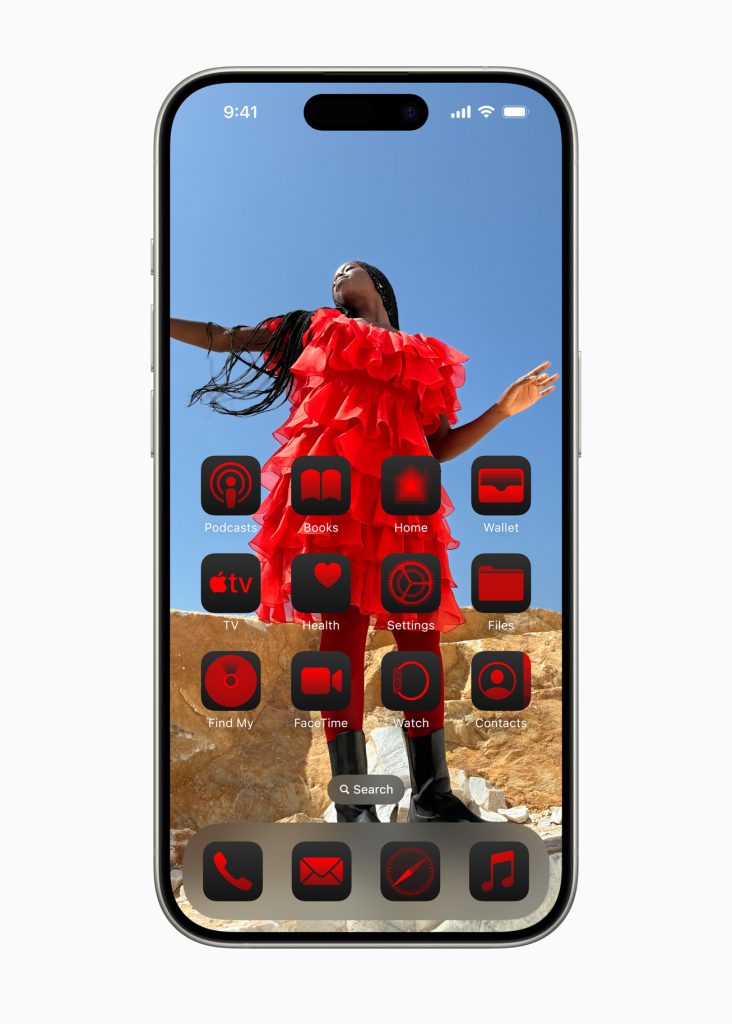
The update introduces deeper customization options, including a new dark mode and the ability to change app icon colors. iOS 18 can recommend color schemes that complement your wallpaper, helping you create a cohesive and visually pleasing aesthetic. This level of customization ensures that your home screen is not only personalized but also harmoniously styled, making your device truly stand out.
Image unavailable in the original article.
Control Center Upgrades
1.Customizable, Multi-Page Layout with Third-Party Integration
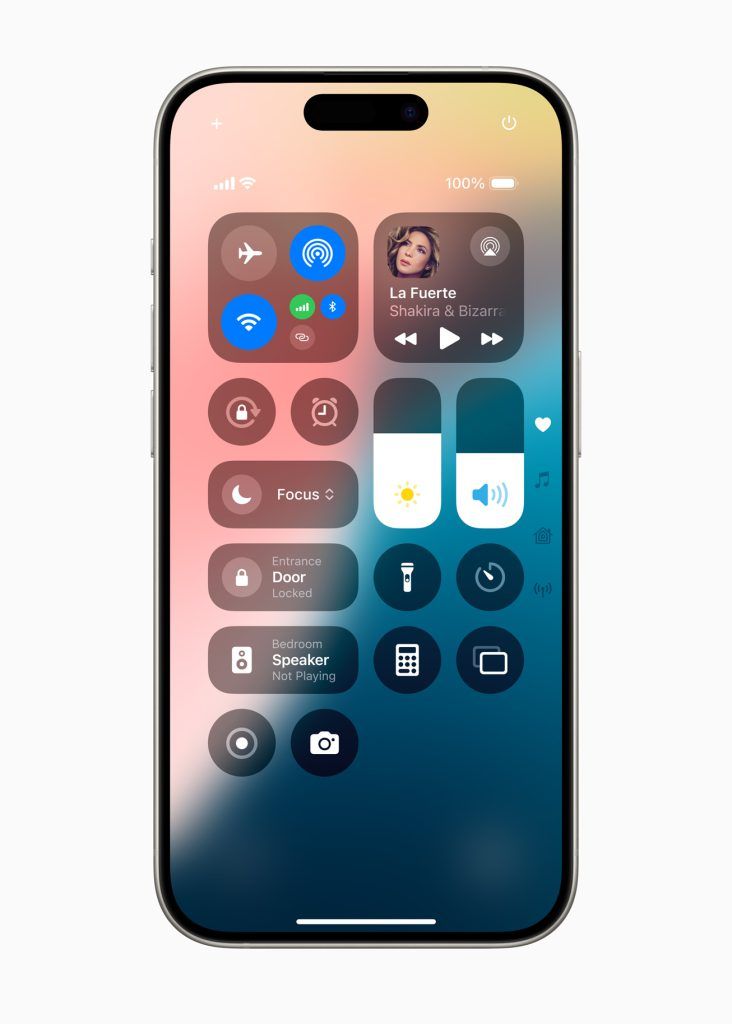
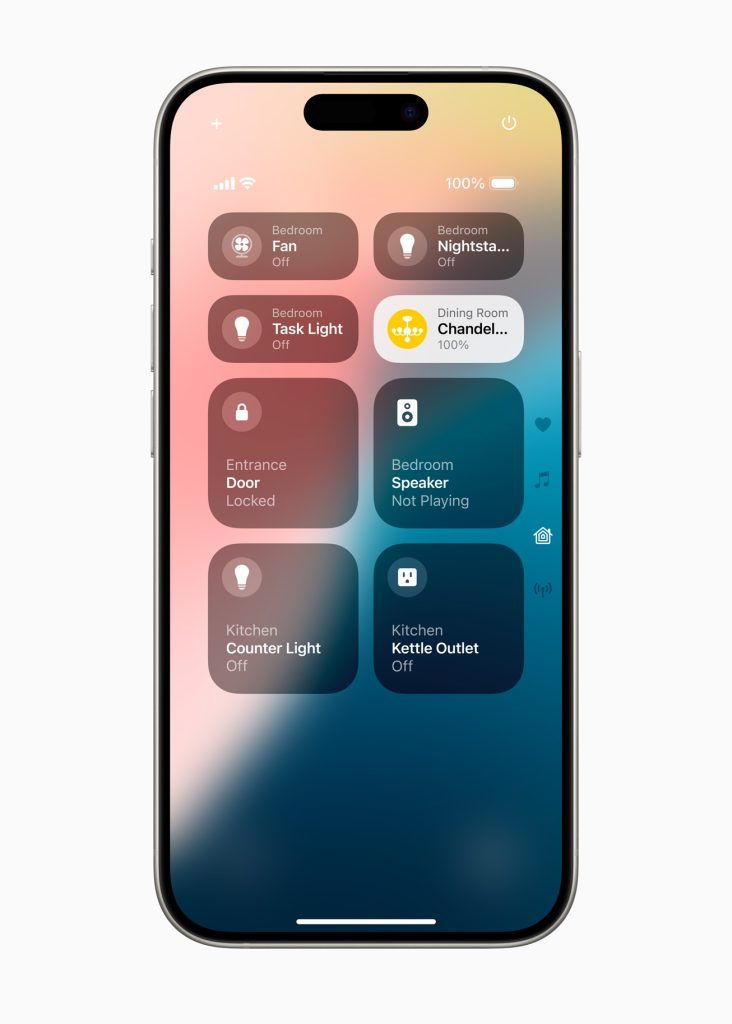
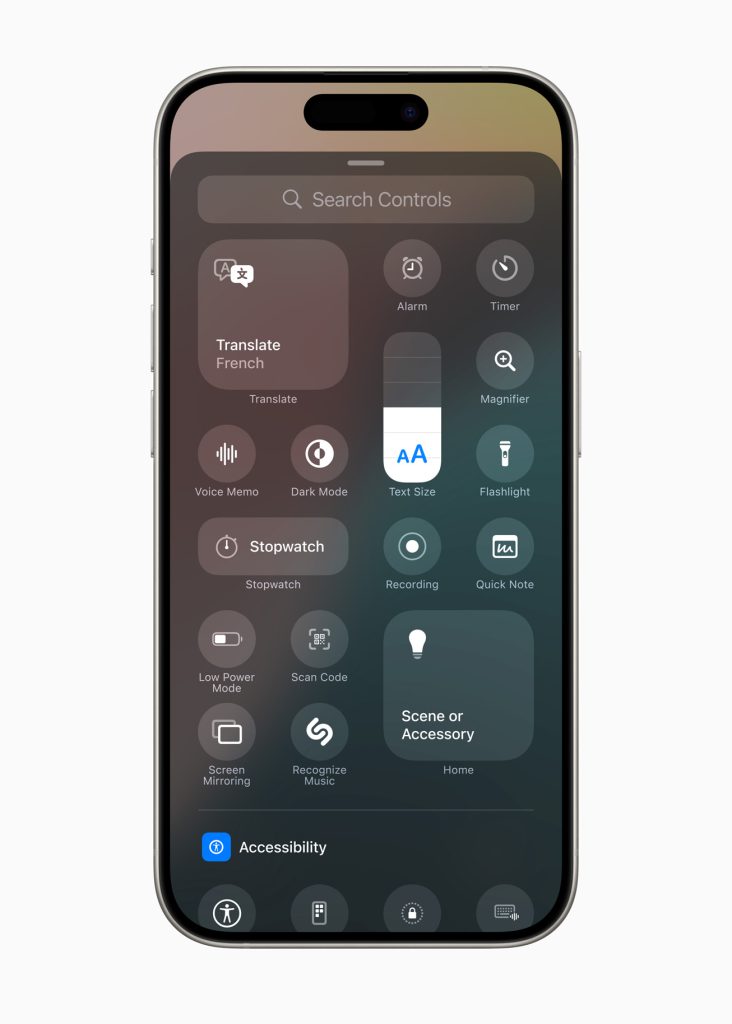
The Control Center in iOS 18 has undergone a significant upgrade, featuring a customizable multi-page layout. This new design allows you to organize controls across different pages, reducing clutter and making navigation more intuitive. Additionally, iOS 18 supports third-party components, giving you the flexibility to integrate innovative tools and widgets created by developers. You can also freely adjust the layout and size of these controls, ensuring the Control Center is tailored to your specific needs and preferences.