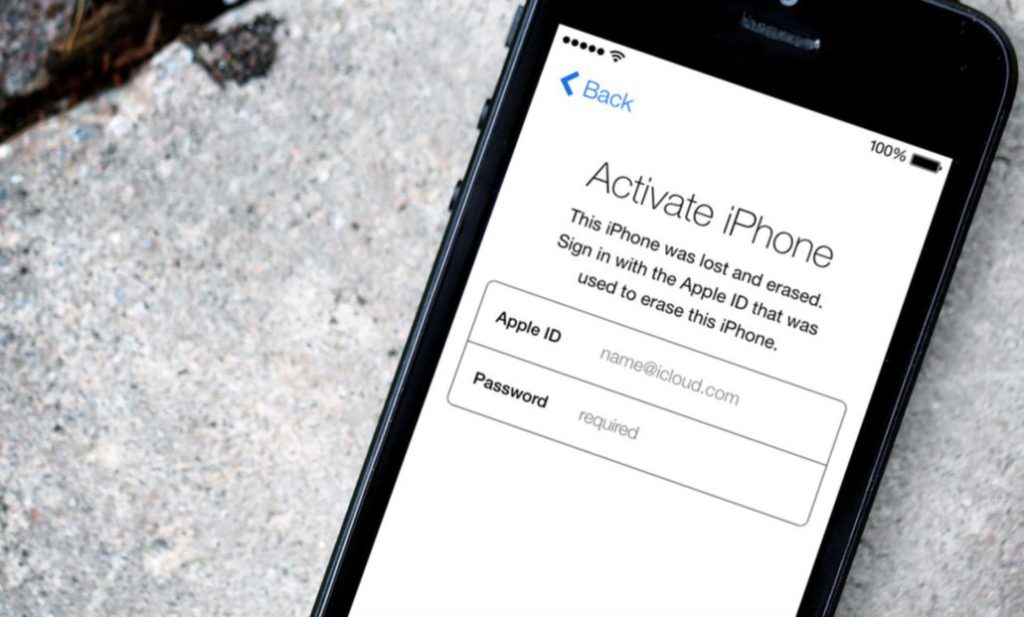
Apple’s Activation Lock is a powerful security feature designed to protect your iPhone, iPad, or Mac from theft. But what if you’re locked out of your own device? Maybe you bought a used Apple product, forgot your Apple ID password, or received a hand-me-down device still linked to someone else’s account.
Don’t panic! In this guide, we’ll show you how to turn off Activation Lock—legally and effectively.
In this Article
ToggleWhat Is Activation Lock?
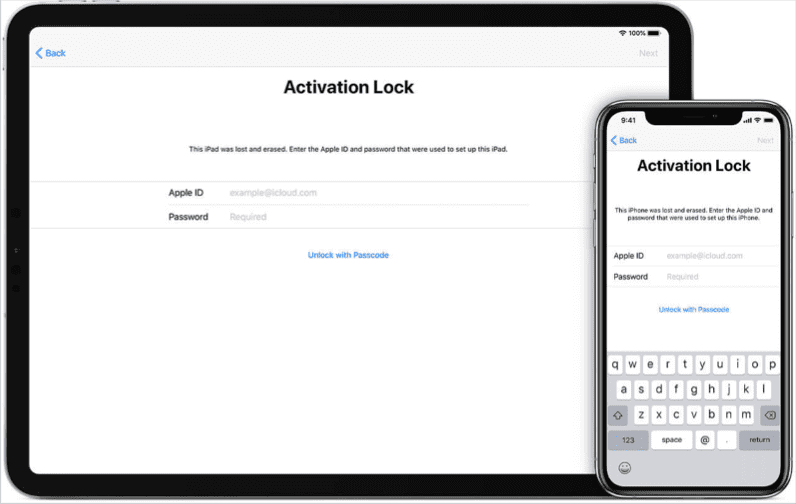
Activation Lock is part of Apple’s Find My network. When enabled, it ties your device to your Apple ID, making it nearly impossible for thieves to erase or reactivate it without your credentials.
🔒 You’ll see Activation Lock if:
The previous owner didn’t sign out of iCloud.
You reset the device without removing Find My.
You forgot your Apple ID password.
🔥 Latest Activation Lock News
Apple has introduced Parts Activation Lock in iOS 18, extending security beyond just the device itself. Now, critical components like the battery, display, and camera are also tied to the original owner’s Apple ID. If these parts are swapped from a stolen iPhone, the device will require the original owner’s Apple ID password to function properly16.
Key Changes in iOS 18:
✅ Enhanced Security – Prevents stolen iPhones from being disassembled and sold for parts.
✅ Repair-Friendly – Apple-certified repairs still work, but unauthorized part swaps will trigger a lock.
✅ iPhone-Only (For Now) – This feature currently does not apply to iPads running iPadOS 18
How to Turn Off Activation Legally
Method 1: The Proper Way (If You Know the Apple ID Credentials)
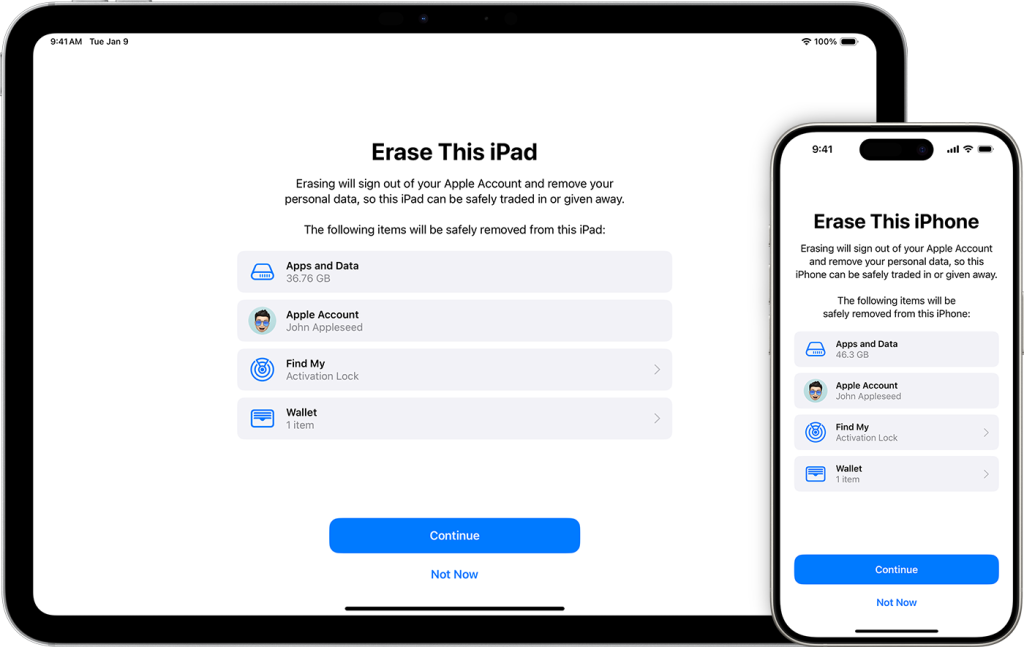
Go to Settings > [Your Name] > Find My.
Turn off “Find My [Device]” (iPhone, iPad, or Mac).
Enter your Apple ID password to confirm.
Erase the device (Settings > General > Reset > Erase All Content and Settings).
✅ Done! Activation Lock is now disabled.
Method 2: If You Bought a Used Device (Contact the Previous Owner)
If the device is still linked to someone else’s Apple ID:
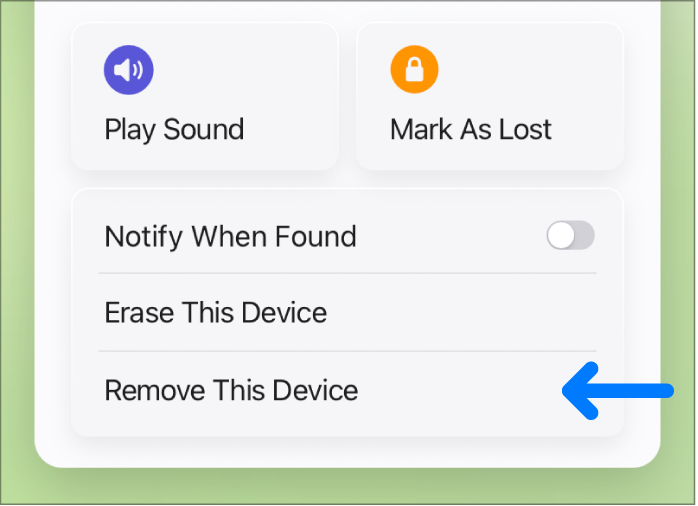
Ask the seller to remove it via iCloud.com.
They should:
Log in to iCloud > Find My.
Select the device > Remove from Account.
⚠️ No access to the previous owner? You might need proof of purchase to contact Apple Support.
Method 3: Apple Support (With Proof of Ownership)
If you can’t bypass Activation Lock, Apple may help if you provide:
Original receipt/invoice.
Device’s original box (with IMEI/Serial Number).
A valid government-issued ID.
📞 Contact Apple Support at support.apple.com.

Conclusion
Activation Lock is a critical security feature, but it can be frustrating if you’re locked out. The only guaranteed ways to disable it are:
✔️ Using the correct Apple ID.
✔️ Getting help from the previous owner.
✔️ Providing proof of purchase to Apple.
With iOS 18’s Parts Activation Lock, Apple is making it even harder for thieves to profit from stolen iPhones. Stay safe, and always buy used devices from trusted sources!



