Let’s face it — almost everyone has experienced that heart-sinking moment when your phone slips into water. Whether it’s the sink, a puddle, or even the toilet (we won’t judge), water damage is one of the most common smartphone disasters.
And the first thing most people do?
Stuff the phone into a bowl of rice.
But here’s the truth: putting your phone in rice doesn’t really work, and it might even make things worse.
In this article, you’ll learn:
- ✅ The right way to handle a water-damaged phone
- ❌ Common mistakes that can destroy your device
- 🔍 How to tell if your speaker is still wet
- 💡 A smart trick using sound frequencies to help clear water from the speaker
In this Article
Toggle🛑 First Things First: What to Do Immediately After Your Phone Gets Wet
Time is critical. The faster you act, the better your chances of saving your phone.
✅ Step 1: Turn it off immediately
Water + electricity = short circuit = fried components. Don’t wait.
✅ Step 2: Remove your SIM card, case, and memory card
This helps air circulate and gives water fewer places to hide.
✅ Step 3: Gently dry the surface with a cloth or tissue
Pat the phone dry. Don’t shake it aggressively — that can force water deeper inside.
✅ Step 4: Let it air dry
Leave your phone in a dry, well-ventilated area for 24–48 hours. Avoid direct sunlight or heat sources.
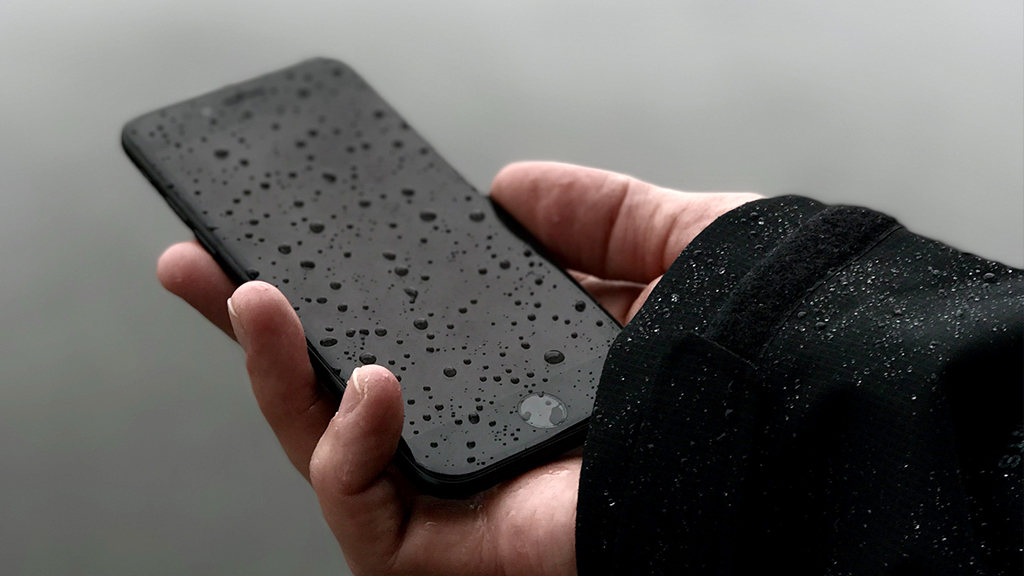
⚠️ Common Mistakes That Can Wreck Your Phone
❌ Putting it in rice
Rice has very limited moisture-absorbing ability. Worse, tiny particles can get stuck in your charging port or speaker.
❌ Using a hair dryer
Heat can damage internal components and soften adhesives inside your phone.
❌ Powering it back on too soon
Even if it turns on, trapped moisture can cause corrosion or failure later.
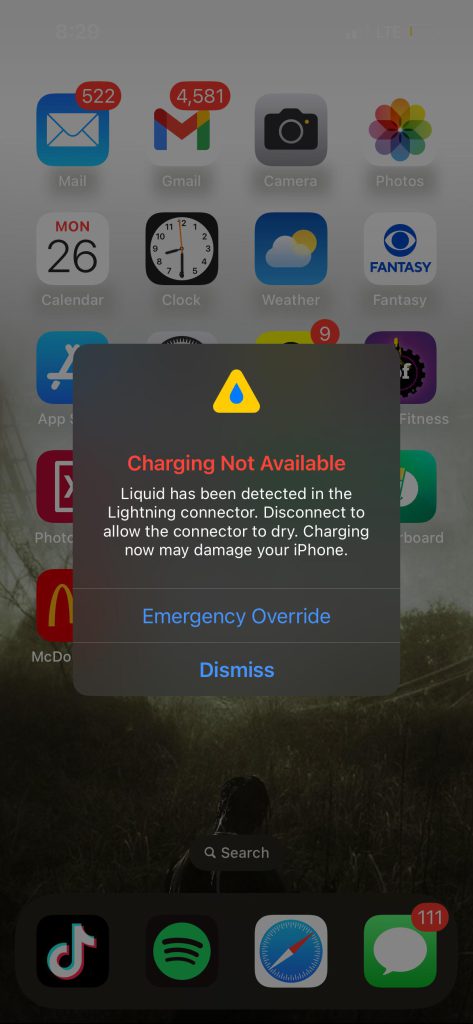
🔊 How Do You Know If Your Speaker Is Still Wet?
If your speaker sounds muffled, quiet, or distorted, chances are water is still trapped inside the speaker grill or membrane.
This is a common issue, even after you’ve dried the outside.
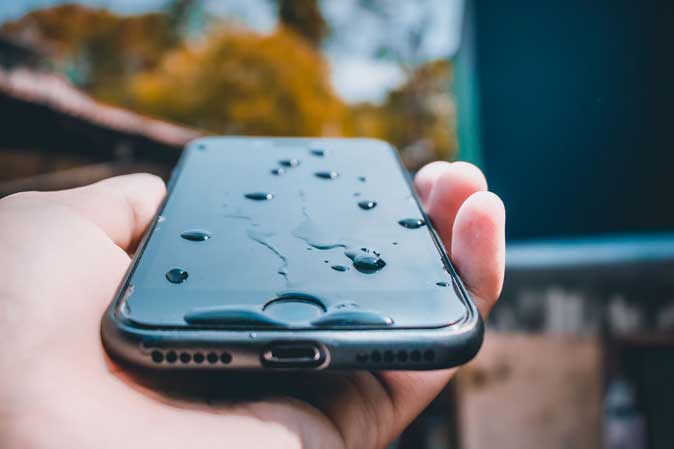
💡 The Science Hack: Use Sound to Eject Water from the Speaker
Here’s a cool trick: certain low-frequency sound waves can cause your speaker to vibrate and physically push out water droplets.
Specifically, the 165Hz frequency is known to be effective. It’s the same principle behind Apple Watch’s “Water Eject” feature.
Instead of blasting music or shaking your phone, you can use a dedicated app that emits the right tone.
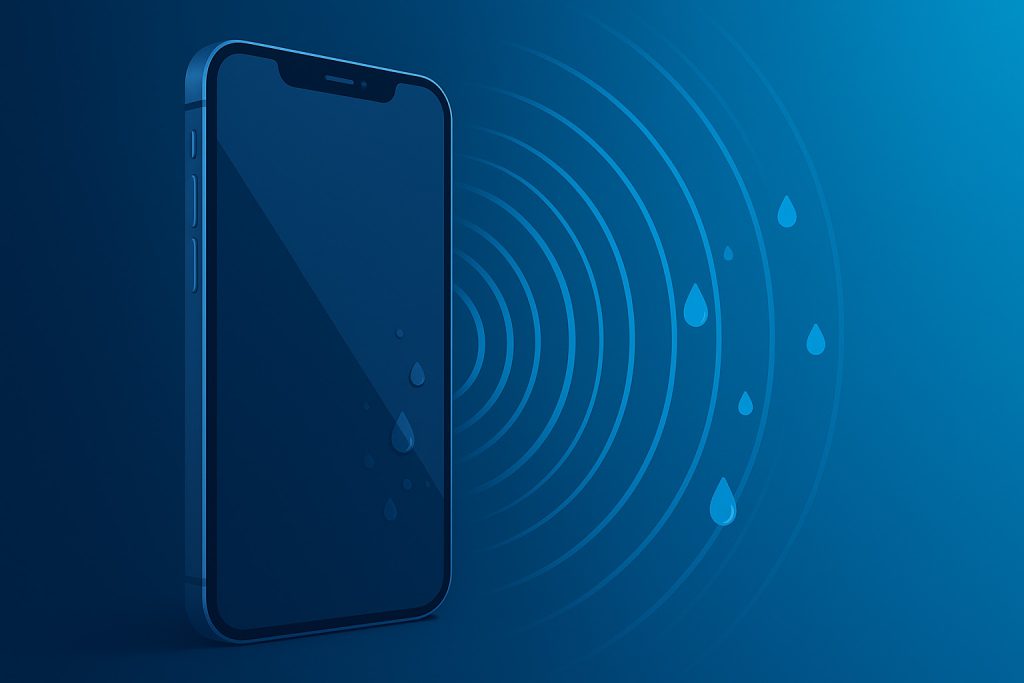
🔧 Try the app: Water Eject·Speaker Cleaner
It plays a specially tuned 165Hz tone to help eject water from your phone’s speaker.
It also includes decibel meter, frequency generator, and 432Hz healing sounds.
Available for both iOS and Android.
https://apps.apple.com/us/app/water-eject-speaker-cleaner/id6756952302
Of course, this isn’t a miracle cure — if your phone is heavily soaked or submerged for too long, professional repair is still recommended. But for light water exposure or residual moisture, this can actually help restore sound clarity.
Conclusion
Water damage doesn’t have to be the end of your phone — if you act fast and smart.
Skip the rice bowl. Use science and tech to your advantage.
And next time your speaker sounds like it’s underwater, you’ll know what to do.
If you found this helpful, feel free to share it with someone clumsy (we all know one), and let’s stop ruining phones with rice once and for all.



