Losing important WhatsApp messages is frustrating, especially when the official restore process feels like a gamble. Most people think their only option is to uninstall the app and hope for the best.
But there’s a better way. Whether you have a backup on iCloud, Google Drive, or your local storage, you can now regain control over your data.
1. The Best Way: Recover via [Messages Recovery - ReChat] (Selective & Safe)
Standard WhatsApp restoration is “all-or-nothing”—it overwrites your current chats and often fails if the backup is too large. [Messages Recovery – ReChat] (https://apps.apple.com/US/app/id6747790347 )changes the game by giving you a professional toolkit to handle your backups.

Why [Messages Recovery – ReChat] is Superior to the Official Method:
Selective Recovery: Why restore 5GB of data just for one text? Our app allows you to preview the contents of your backup and pick only the specific messages or photos you want to recover.
No Reinstall Required: You don’t need to delete WhatsApp. [Your App Name] extracts and displays the data from your backup files independently, keeping your current app untouched.
Cross-Platform Access: Easily access and read your Android backups on a PC or transfer your iCloud messages with ease.
Deep Attachment Recovery: Effortlessly find lost voice notes, high-res videos, and documents that are often buried or “missing” in standard restores.
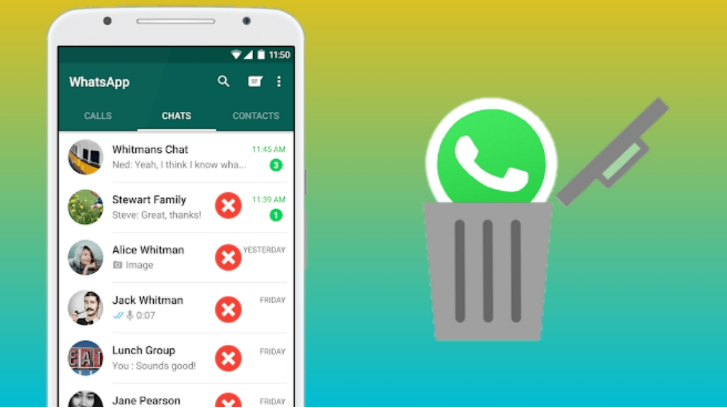
2. The Official Way: Standard WhatsApp Restore
If you prefer the manual route and don’t mind the risk of losing your most recent messages (those sent after the backup was created), follow these steps:
For Android (Google Drive/Local)
Step 1: Uninstall and reinstall WhatsApp.
Step 2: Verify your phone number.
Step 3: WhatsApp will search for a backup. Tap Restore when prompted.
Note: If a Google Drive backup isn’t found, it will look for a local file in your
/Databasesfolder.
For iPhone (iCloud)
Step 1: Go to WhatsApp Settings > Chats > Chat Backup to confirm a backup exists.
Step 2: Delete the app and download it again from the App Store.
Step 3: Follow the setup prompts and select Restore Chat History.
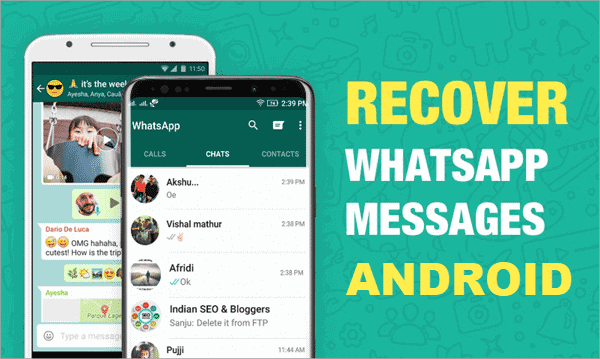
3. Why Your Backup is the Key to Recovery
To successfully recover deleted WhatsApp messages, having a backup is your strongest defense. However, the data inside those backups is often “locked.”
[Messages Recovery – ReChat] acts as the key to that lock. Instead of a blind restore, our technology allows you to:
Check Backup Health: See if your backup file is corrupted before you try to restore it.
Search & Filter: Find a specific keyword or contact within years of backup history in seconds.
Secure Export: Save your recovered messages as PDF or HTML files for legal or personal records.

Conclusion
While WhatsApp provides the basic tools to recover messages, they lack the precision and safety that modern users need. Don’t risk overwriting your new memories to save the old ones. Use [Messages Recovery – ReChat] to bridge the gap and recover your data with total confidence.



