Standby: The Power-Packed Lockscreen
The new lockscreen in iOS17, known as "Standby," introduces a plethora of features that enhance user experience and provide quick access to important information. Let's dive into the 14 standout functionalities of Standby:1. Standby: The lockscreen is now optimized for glanceable information, providing a snapshot of your day, including calendar events, weather updates, and personalized suggestions.
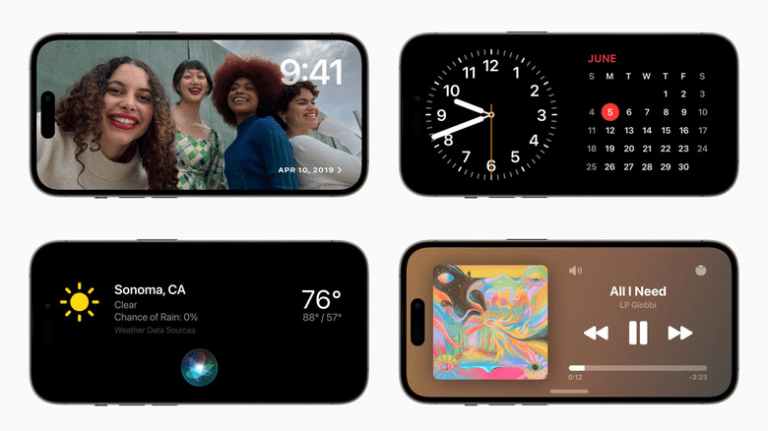
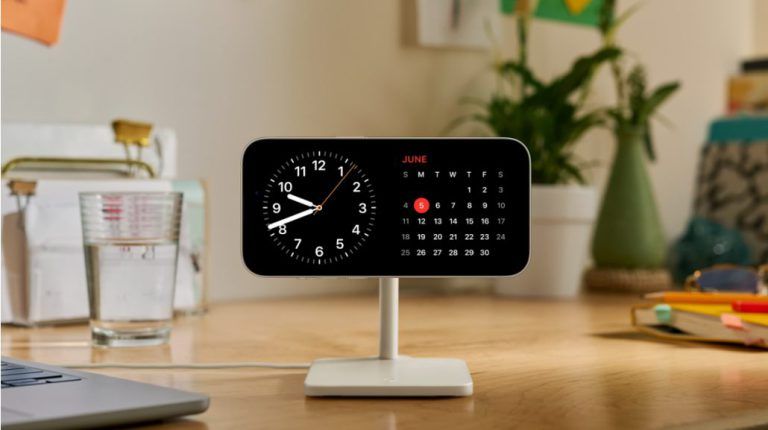
2. Clocks: Customize your lockscreen with different clock styles and designs, allowing you to express your personal taste and preferences.
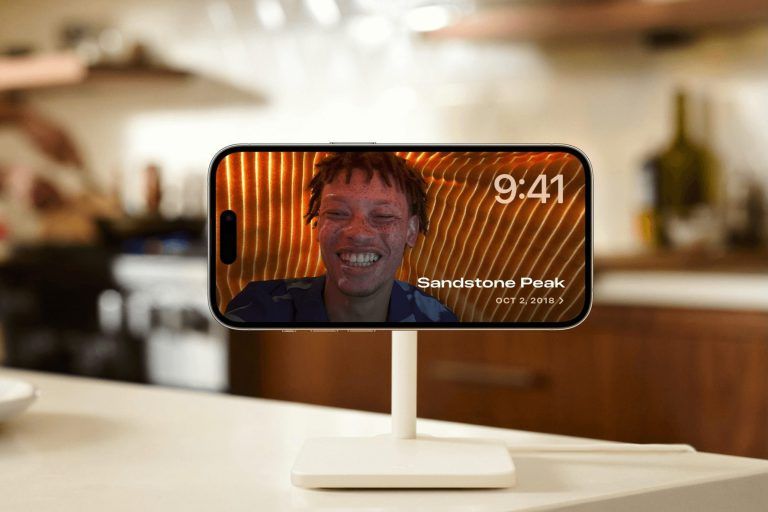
3. Photos: Enjoy a rotating showcase of your favorite photos or memories right on your lockscreen, bringing a touch of nostalgia and personalization.
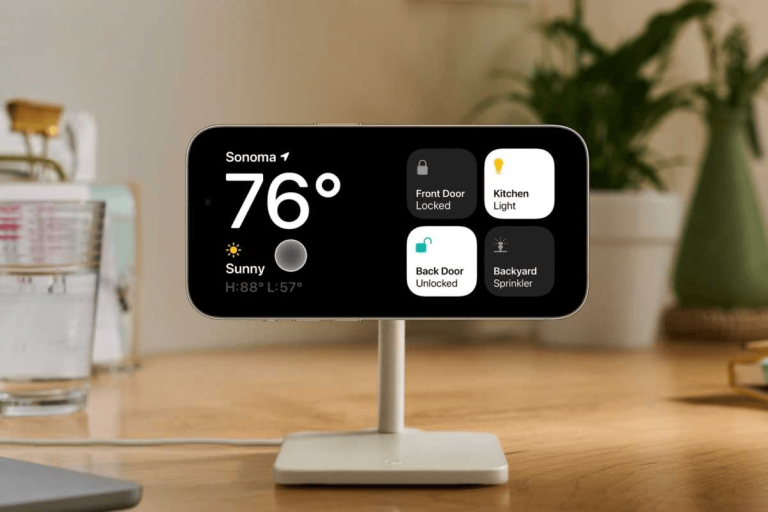
4. Widgets: Access your favorite widgets directly from the lockscreen, keeping you updated with news, stocks, health data, and more without unlocking your device.
5. Personalization: Tailor your lockscreen to your liking by choosing your preferred widgets, quick actions, and app shortcuts for easy access.
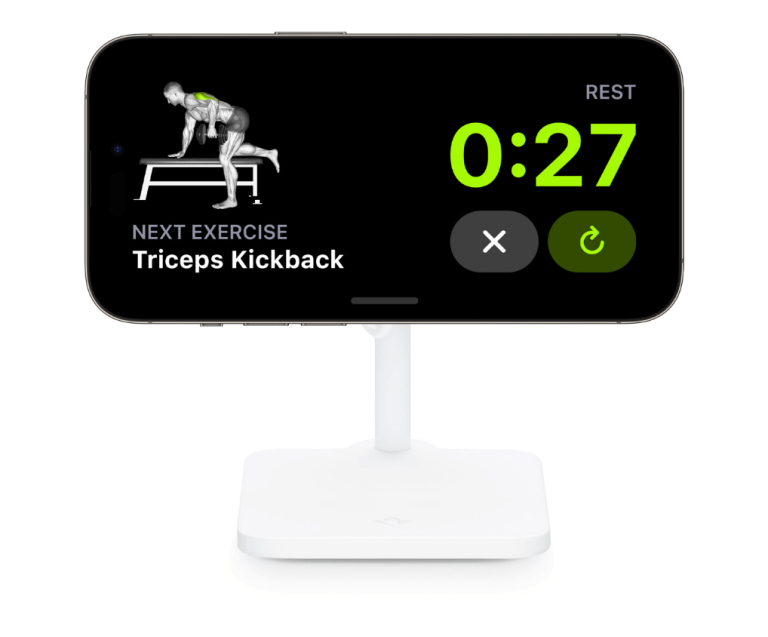
6. Live Activities: Stay informed about ongoing activities, such as fitness goals, music playback, or podcast episodes, without unlocking your device.
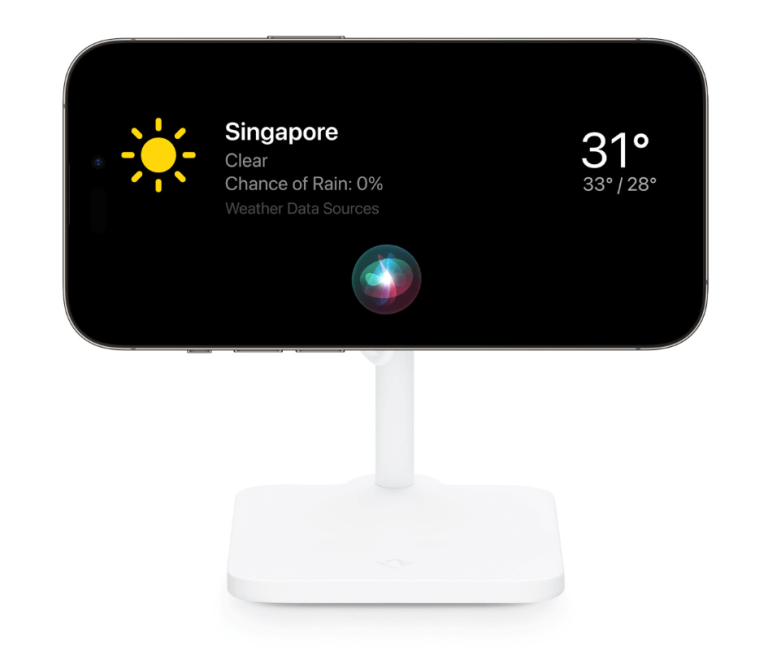
7. Siri: Interact with Siri right from the lockscreen, allowing you to perform tasks, get information, and control your device hands-free.
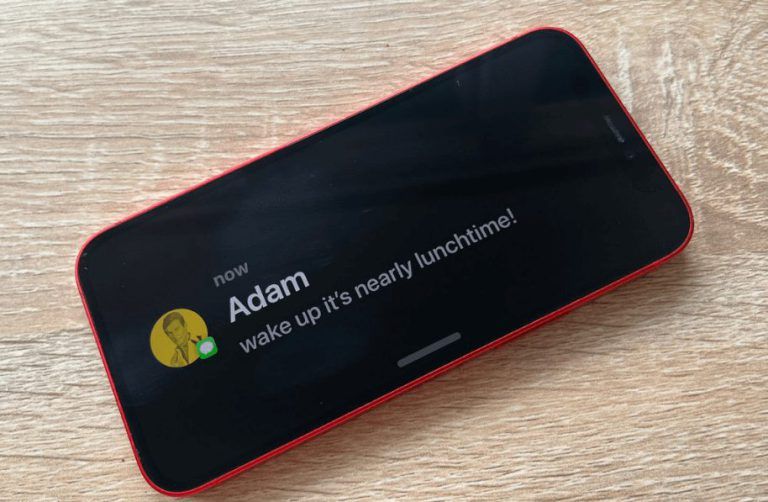
8. Notifications: Receive and manage notifications conveniently on the lockscreen, ensuring that you never miss important updates from your apps and contacts.
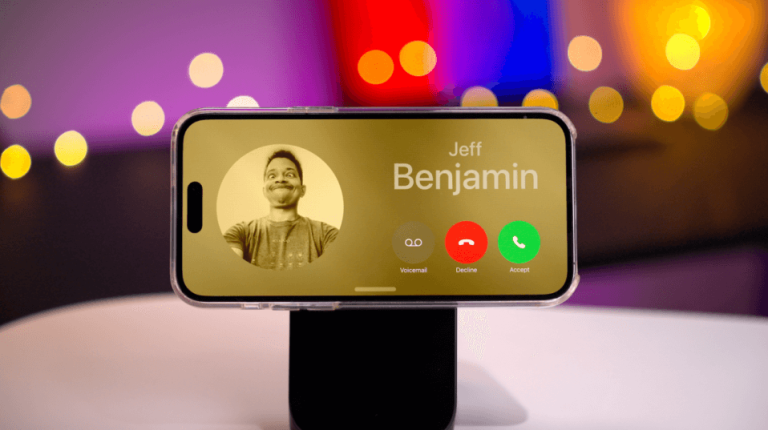
9. Incoming Phone and FaceTime Calls: Answer calls directly from the lockscreen, making it quicker and easier to connect with your contacts.
10. Nudge to wake: Gently tap on the screen to wake up your device and view lockscreen information without needing to press any buttons.
11. Always-On: Enjoy an always-on display mode on supported devices, allowing you to view essential information like time, date, and notifications even when your device is locked.
12. Night mode: StandBy adapts to low light, soyour clocks, photos and widgets take on a beautiful red tone to help you sleep at night.
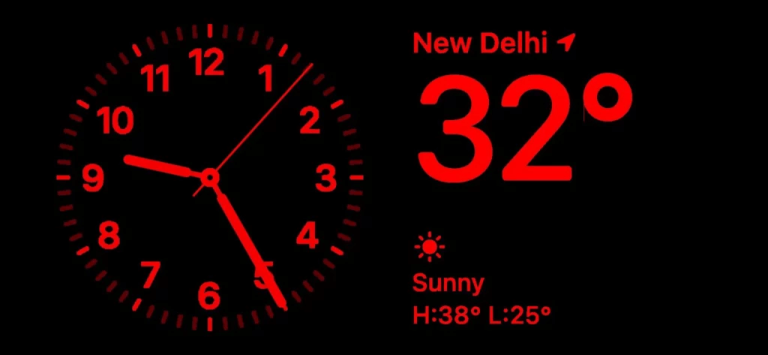
13. Motion to wake: StandBy activates if motion isdetected in the room at night.
14. Preferred view per MagSafe charger: For eachplace you charge with MagSafe, StandBy will remember your preferred view, whether that’s a clock, photos or widgets.