Forgot your email password and locked out of your account? Don't panic - this happens to millions of users daily! Whether you use Gmail, Outlook, Yahoo or other providers, our 2024 guide reveals the fastest ways to recover access to your email. Learn professional password reset techniques, from SMS verification to security questions, plus critical security measures to prevent future lockouts. Follow these verified steps to regain email access in minutes - no tech skills required!
 2.Verify Your Identity
 3.Create a New Password
 2.Secure your new password – Create a strong, unique password (12+ characters, mixed symbols/numbers).
3.Prevent future issues – Save passwords in a password manager, enable 2FA, and log in regularly.
4.Emergency steps – If hacked, contact support immediately and check for suspicious activity.
2.Secure your new password – Create a strong, unique password (12+ characters, mixed symbols/numbers).
3.Prevent future issues – Save passwords in a password manager, enable 2FA, and log in regularly.
4.Emergency steps – If hacked, contact support immediately and check for suspicious activity.
Why Do People Forget Their Email Passwords?
- Long Time No Login – If you haven’t used your email in months, memory fades.
- Overly Complex Passwords – Strong security is good, but not if you can’t remember it!
- Device Switch – Trying to log in on a new phone or laptop and realizing the password doesn’t work.
- Browser Auto-Save Failure – Clearing cache or switching browsers erases saved passwords.
How to Recover Your Email Password
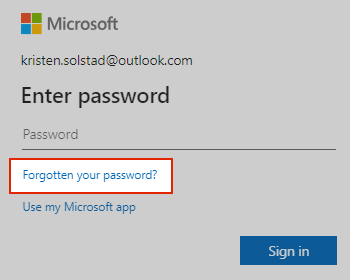
1.Click “Forgot Password?”-
- Look for the link below the login box.
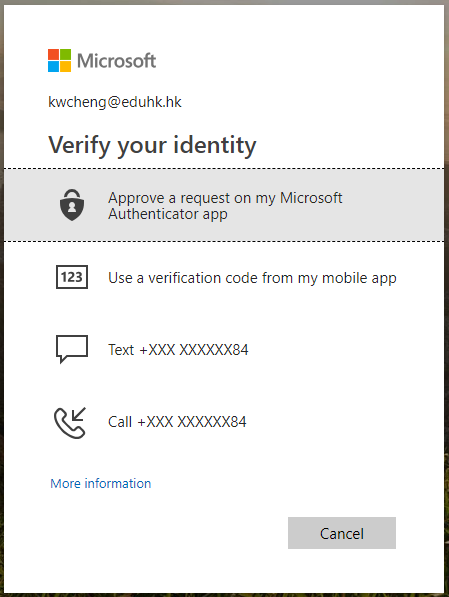
2.Verify Your Identity
-
- Phone number – Get a verification code via SMS.
- Recovery email – A reset link will be sent to your backup email.
- Security questions – Answer pre-set questions (e.g., “What was your first pet’s name?”).
3.Create a New Password
-
- Make it strong! Use 12+ characters, mixing letters, numbers, and symbols (e.g.,
SafeMail#2024!).
- Make it strong! Use 12+ characters, mixing letters, numbers, and symbols (e.g.,
- Lost access to phone/recovery email?
- Contact customer support with proof of identity (e.g., ID, past email details).
- Work/Enterprise email?
- Ask your IT admin for a reset.
4 Ways to Avoid Forgetting Your Password Again
1.Use a Password Manager-
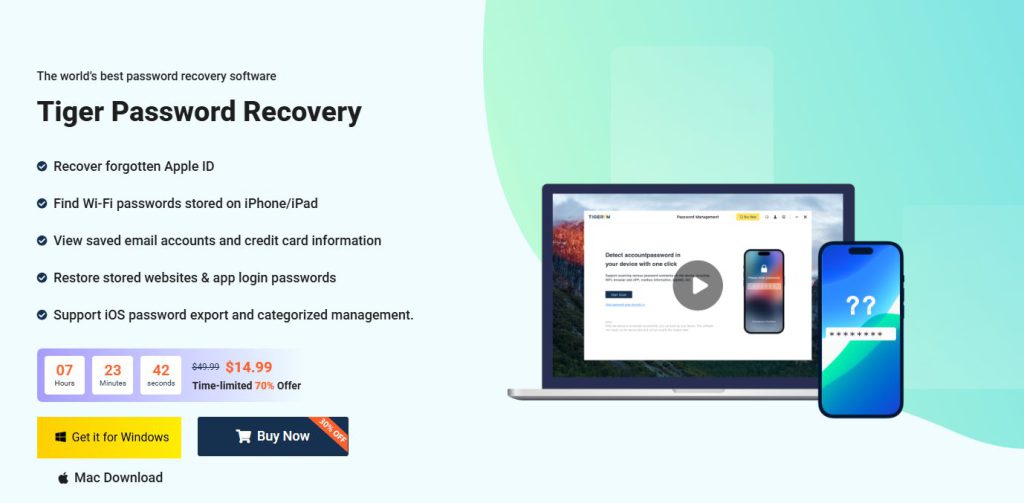
- Apps like Tiger Password Recovery securely.( https://www.pocketechshare.com/tiger-password-recovery/ )
2.Secure your new password – Create a strong, unique password (12+ characters, mixed symbols/numbers).
3.Prevent future issues – Save passwords in a password manager, enable 2FA, and log in regularly.
4.Emergency steps – If hacked, contact support immediately and check for suspicious activity.
What If Your Account Is Hacked?
- Can’t recover your password?
- Contact your email provider’s support immediately (e.g., Gmail Help Center).
- Strange activity detected?
- Check for unauthorized email forwarding rules.
- Secure linked accounts (bank, social media).