Your iCloud holds your private photos, messages, and even payment info. If someone logs into your Apple ID, they could steal your data, lock you out, or spy on you. Here’s exactly what they can access, how to detect unauthorized logins, and how to kick them out FAST.
01 Connect iOS Device to computerConnect your iOS device to PC via a data cable. Then launch Tiger iOS Unlocker. 02 Select the unlock featureSelect the unlock feature you need, and then click "Start Removal".
03 Waiting for successful unlockingThe unlocking process may take 5-20 minutes. During this process, please keep the computer connected to the iOS device until the unlocking is successful. 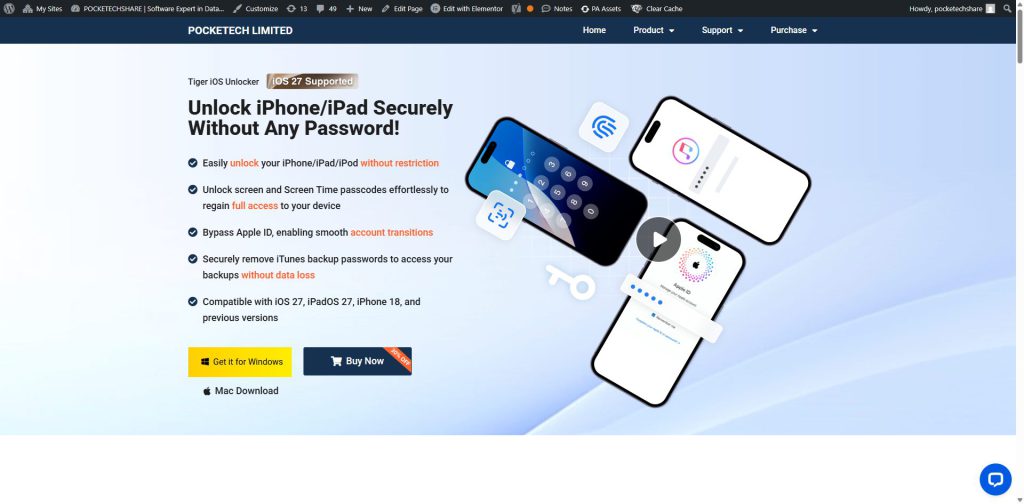
If Someone Logs Into My iCloud, What Can They See?
A hacker with your Apple ID can access: 🔍 Personal Data Exposed ✔️ iCloud Photos & Videos – View, download, or delete your private media ✔️ Messages (iCloud Synced) – Read your SMS & iMessages ✔️ Contacts & Notes – Steal phone numbers and sensitive info ✔️ Find My iPhone – Track your location or lock/erase your device 💳 Financial & Security Risks ✔️ Payment Methods on File – They can buy apps, subscriptions, and in-app purchases with the card linked to your Apple ID ✔️ Saved Passwords (Keychain) – Access logins for banking, social media, etc. ✔️ iCloud Drive Files – Open documents, backups, and private files 📱 Device Control ✔️ Remotely Lock/Erase Your iPhone ✔️ Install Apps or Make Purchases ✔️ Change Your Apple ID Password (Locking You Out!)
Will I Get Notified if Someone Logs Into My Apple ID?
✅ YES—but only if: ✔️ They log in from a new device or browser ✔️ You have Two-Factor Authentication (2FA) enabled ❌ NO notification if: ✔️ They use an already trusted device (like your old iPhone) ✔️ You don’t have 2FA turned on How Apple Alerts You: 📩 Email & Push Notification – “Apple ID sign-in on a new device” 🔢 2FA Code Request – If enabled, they’ll need a verification code
Is That iCloud Security Alert Email Real — or Phishing?
First, check whether the alert is genuine. Real Apple security emails:- Come from an @apple.com address (hover over the sender to see the full address)
- Address you by your name or Apple ID — not "Dear Customer"
- Never ask you to click a link and enter your Apple ID password, verification code, or payment details
- Never threaten that your account will be closed "within 24 hours"
How to Know if Someone Logged Into Your iCloud
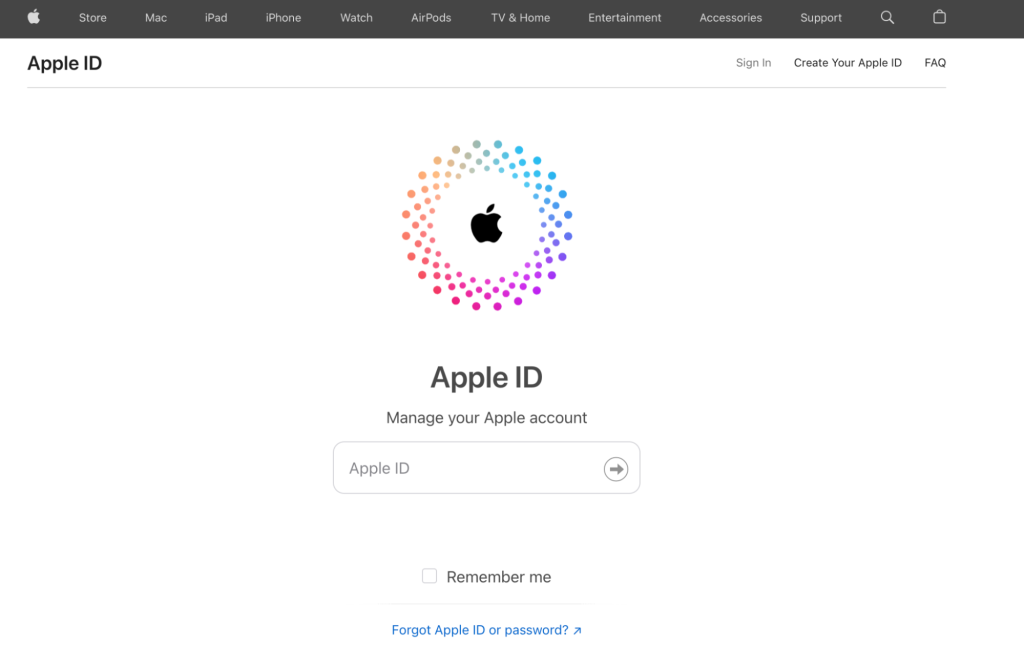
Check for suspicious activity: 1️⃣ Review Apple ID Login History- Go to account.apple.com → Sign-In & Security → Recent Activity
- Look for unknown devices or locations
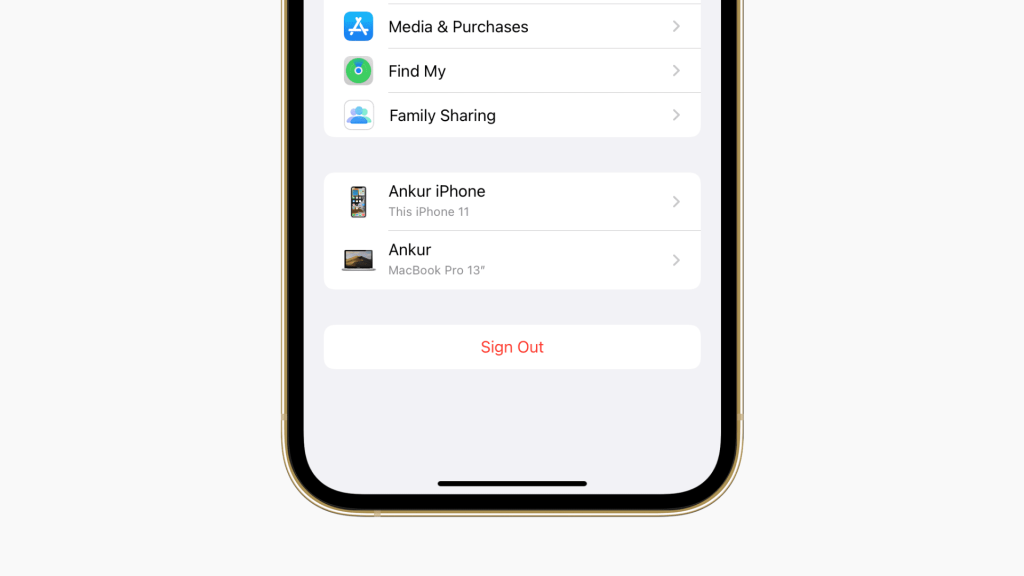
- Settings → [Your Name] → Devices
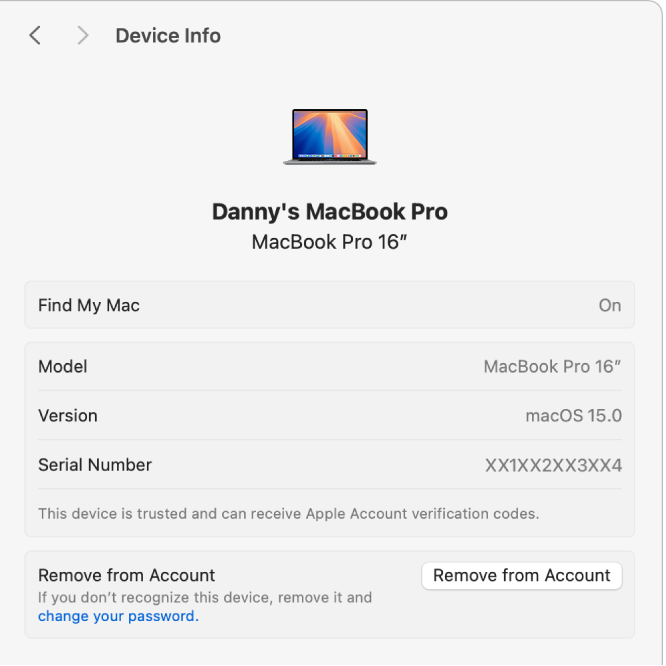
- Remove any unrecognized iPhones, iPads, or Macs
How to Remove Devices from Your Apple ID
If you see a hacker’s device: This is the time to use a professional iCloud/Apple ID removal tool - Tiger iOS Unlocker, it can help you delete Apple ID and iCloud accounts on your device without knowing the password, freeing your device and not leaking any data, guaranteeing 100% security.
FAQs About Apple ID Security
Q: Can someone access my iCloud without my password? ✅ No—unless they phish you or bypass 2FA. Always avoid suspicious links! Q: How do I stop someone from logging into my iCloud? ✔️ Enable Two-Factor Authentication ✔️ Use a strong, unique password ✔️ Remove old devices from your account Q: What if my Apple ID is hacked and I can’t recover it? 📞 Contact Apple Support (support.apple.com) with proof of purchase for account recovery.Conclusion
If someone gains access to your iCloud, they can see your photos, messages, contacts, and even track your location—putting your privacy and security at risk. Apple notifies you of suspicious logins via email and 2FA alerts, but hackers can still slip through if they use a trusted device. Don’t wait—audit your iCloud security today to prevent hacking, spying, or data theft! Share this guide to help others stay protected.You May Also Like
Unlock an iPhone Without a PasscodeLearn how to regain access to a locked iPhone when you cannot remember the screen passcode.
Read the Unlock Guide → Protect Your Data with Tiger Data BackupBack up important files and personal data before taking further steps to secure or restore your device.
Explore Tiger Data Backup → Recover Deleted Photos on iPhoneExplore practical ways to recover deleted iPhone photos and restore your important memories.
View the Recovery Methods →