“Oh no! I accidentally deleted an important conversation!”
Whether it’s a sweet chat with your partner, critical work discussions with a client, or precious memories in a family group chat, the moment we realize messages have been deleted from our iPhones, panic sets in. Many people assume this data is gone forever, but in reality, with the right method, there’s a good chance you can recover it!

In this Article
ToggleWhy Can Deleted Messages Be Recovered?
When we delete messages from an iPhone, the system doesn’t immediately erase the data permanently. Instead, it marks the storage space as “available for overwriting.” As long as this space isn’t overwritten by new data, specialized data recovery software can often retrieve it.
Tiger iPhone Data Recovery: A Professional Data Recovery Solution
According to the professional data recovery website POCKETECH, Tiger iPhone Data Recovery software offers three different recovery modes to suit various data loss scenarios:
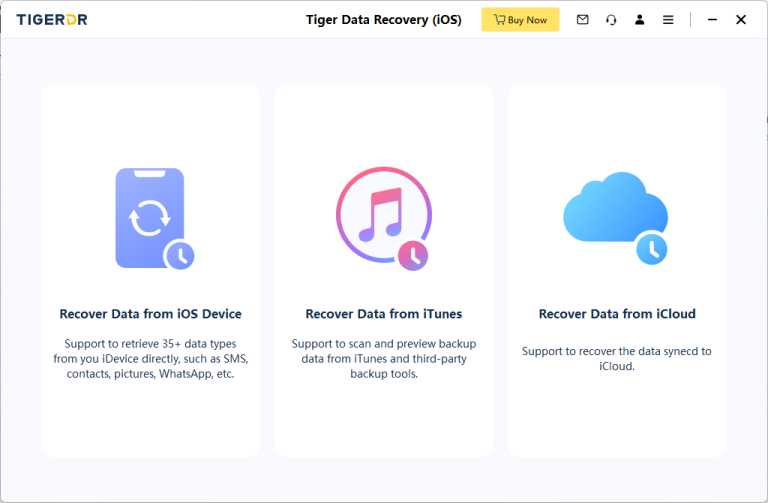
Mode 1: Recover Directly from iOS Device (No Backup Required)
Best for: Recently deleted messages, before significant new data is written.
Steps:
1.Connect your iPhone to a computer via USB.
2.Launch Tiger iPhone Data Recovery software.
3.Select the “Recover from iOS Device” mode.
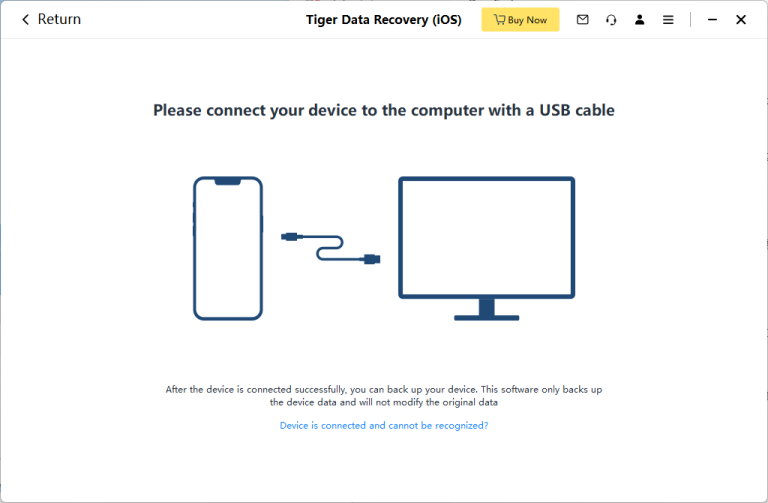
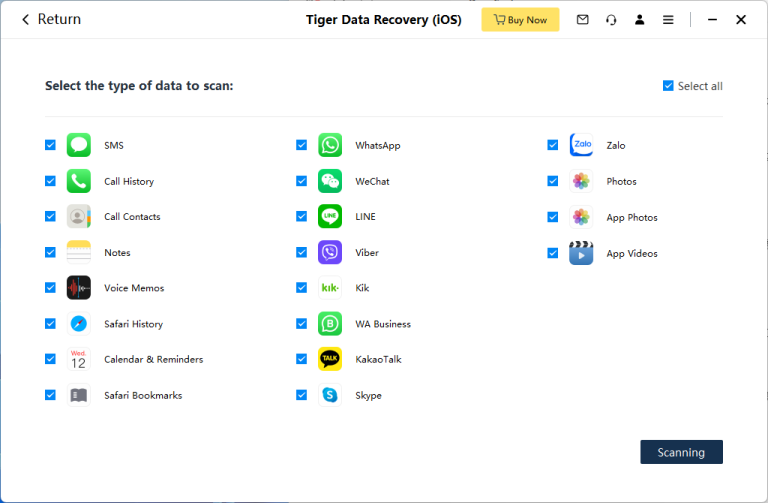
4.The software will automatically scan the device for recoverable data.
5.Preview the found message content and select the items you want to recover.
Mode 2: Extract from iTunes Backup
Best for: Users who regularly back up their iPhone using iTunes on a computer.
Steps:
1.Launch Tiger iPhone Data Recovery on your computer.
2.Select the “Recover from iTunes Backup” mode.
3.The software will automatically detect iTunes backup files on the computer.
4.Choose the most relevant backup file to scan.
5.Preview and select the messages to recover.
Mode 3: Recover from iCloud Backup
Best for: Users who have iCloud Backup enabled and their messages are synced to iCloud.
Steps:
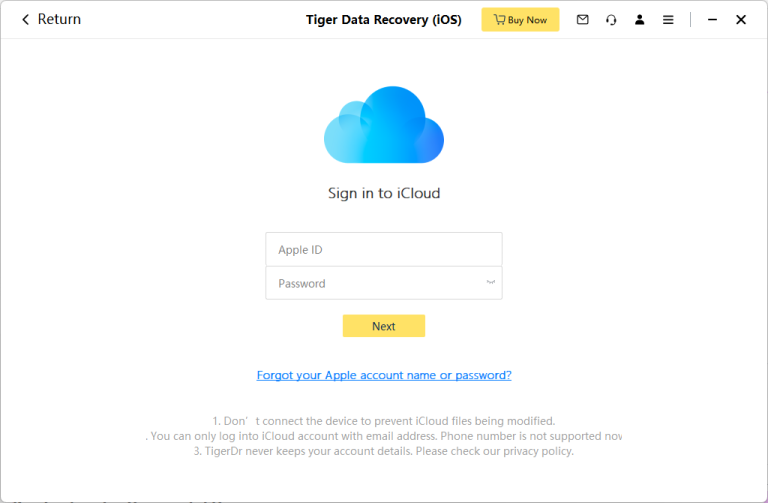
1.In Tiger iPhone Data Recovery, select “Recover from iCloud”.
2.Log in to your iCloud account (ensure a stable internet connection).
3.Choose the backup file you wish to download and scan.
4.The software will download and scan the backup contents.
5.Preview the found messages and proceed with recovery.
Key Factors for Successful Recovery
Based on professional advice from POCKETECH, key factors include:
1.Act Immediately: Stop using the iPhone as soon as you discover data loss to prevent new data from overwriting the deleted messages.
2.Regular Backups: Maintain regular backups (iCloud or iTunes) to significantly increase recovery success rates.
3.Choose Professional Tools: Use specialized iOS data recovery software like Tiger iPhone Data Recovery.
Frequently Asked Questions
Q: What’s the difference between the free and paid versions?
A: The trial version can scan and preview recoverable data, but you need the full version to actually perform the recovery.
Q: What is the success rate?
A: Under ideal conditions (acting quickly, data not overwritten), the official success rate is up to 97%.
Q: Does it support recovering messages from social media apps?
A: Yes, besides iMessage and SMS, it supports recovering chats from WhatsApp, Line, WeChat, and other major social apps.
Conclusion
While data loss is stressful, recovering deleted messages is often achievable with the correct tools and methods. Readers can visit the POCKETECSHARE website to download the Tiger iPhone Data Recovery trial version, which allows scanning the device to see what can be recovered before deciding on the full recovery process. Remember, acting quickly is crucial for successful recovery.



